
I Used AI During a Real Job Interview — Here's What Happened
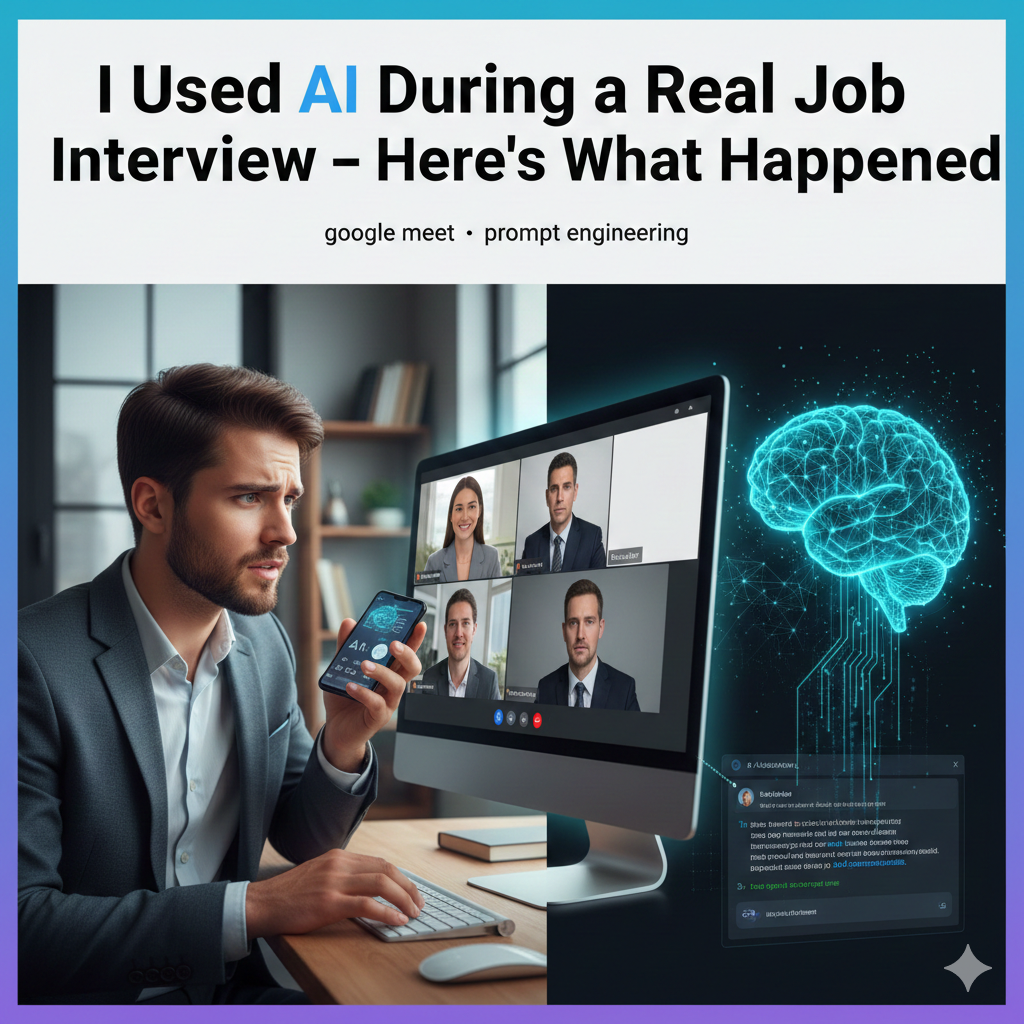
Last month, I used an AI assistant during a live job interview. Not to prepare. Not to practice. During the actual conversation, in real-time.
And before you judge me — hear me out. Because what happened completely changed how I think about interviews, AI, and what "cheating" actually means.
Why I Was Desperate Enough to Try It
I'm not a bad candidate. I have 4 years of experience in marketing, solid results, good references. On paper, I'm great.
In interviews? I'm a disaster.
It's always the same story. The interviewer asks something like "Tell me about a time you led a cross-functional project" — and I know the answer. I've done it. I have three great examples. But in that moment, with someone staring at me over a webcam, my mind goes completely blank.
I stutter. I ramble. I forget the numbers that would make my story impressive. I say "um" fourteen times in thirty seconds.
Then I get home, and the perfect answer hits me in the shower. Every. Single. Time.
After bombing my third interview in two months — for a role I was genuinely perfect for — I decided to try something different.
How I Set It Up
A friend mentioned Hinty — an AI tool that listens to your conversation and suggests answers in real-time. I was skeptical. It sounded too good to be true. Or too much like cheating.
But I signed up for the free plan (30 minutes, no credit card) and decided to test it.
Here's what I did before the interview:
1. Uploaded my resume as a PDF — so the AI knew my actual experience
2. Uploaded the job description — so it understood what the company was looking for
3. Added my "brag sheet" — a document with my key achievements and metrics I always forget under pressure
4. Set the mode to "Job Interview" — one of 5 specialized modes that adjusts how the AI responds
The interview was on Google Meet. I had Hinty running on my phone, propped up next to my laptop screen — just below the webcam, like a sticky note. The AI was listening through my laptop's audio.
Total setup time: about 8 minutes.
The Interview: Minute by Minute
Minutes 0-5: Small Talk (AI Stays Quiet)
The interview started with the usual pleasantries. "How are you? Did you find us okay? How's the weather?"
The AI didn't suggest anything during small talk. Good — it would have been weird if it started coaching me on how to discuss the weather. It was listening, building context, but staying silent.
My stress level: 6/10. Normal pre-interview nerves.
Minutes 5-12: "Tell Me About Yourself"
Then came the first real question: "So, tell me about yourself and why you're interested in this role."
Within 3 seconds, a suggestion appeared on my phone:
"4 years marketing, led rebrand at [Company] → 35% increase in qualified leads. Interested in this role because of their expansion into B2B SaaS — matches your experience with enterprise campaigns."
I didn't read it word for word. But seeing "35% increase in qualified leads" reminded me of the exact number I always forget. And the connection to B2B SaaS was something I hadn't planned to mention — but it was directly from the job description I'd uploaded.
What I actually said was my own version, in my own words. But structured better than anything I've ever improvised on the spot.
The interviewer nodded and wrote something down. Good sign.
My stress level: 4/10. Dropping fast.
Minutes 12-25: Behavioral Questions (Where AI Really Helped)
This is where things got interesting. The interviewer threw three behavioral questions at me:
Question 1: "Tell me about a time you had to manage a project with a very tight deadline."
AI suggested a specific project from my resume (the Q3 product launch) and reminded me of the outcome: delivered 3 days early, 12% under budget. Without the nudge, I would have picked a weaker example.
Question 2: "How do you handle disagreements with stakeholders?"
The AI pulled context from both my brag sheet and the conversation so far. It suggested mentioning my experience with the VP of Sales conflict — something I hadn't planned to bring up, but it was perfect for the question.
Question 3: "What would you do in your first 90 days here?"
This one surprised me. The AI suggested a structured answer based on the job description: month 1 (audit current campaigns), month 2 (quick wins + team alignment), month 3 (new strategy rollout). I wouldn't have been that structured on my own.
My stress level: 3/10. I was actually... enjoying this?
Minutes 25-35: Technical Discussion (AI Searched My Documents)
The interviewer asked about my experience with marketing automation tools. Specifically: "How would you approach setting up a lead scoring model for our B2B pipeline?"
This is where the document search kicked in. I'd uploaded a case study I wrote about exactly this topic. The AI found it and suggested key points — the specific scoring criteria I used, the conversion rate improvement (22%), and the tools involved.
I answered with confidence and specificity that I've never had in an interview before. Not because I didn't know the material — I wrote that case study! — but because I could never recall those details under pressure.
My stress level: 2/10.
Minutes 35-40: "Do You Have Any Questions?"
The AI suggested three tailored questions based on the conversation:
1. "You mentioned the team is transitioning to account-based marketing — what's the biggest challenge in that shift right now?"
2. "How does the marketing team collaborate with product on feature launches?"
3. "What would success look like for this role in the first year?"
The first question referenced something the interviewer had said 15 minutes earlier. I wouldn't have remembered that detail. But the AI was tracking the full conversation.
The interviewer paused and said: "That's a really good question."
My stress level: 1/10. Almost zero.
The Result
I got a callback the next day. Second round scheduled.
The recruiter's exact words: "The hiring manager said you were one of the most prepared candidates they've interviewed. Very structured answers, great questions."
I wanted to laugh. "Prepared" — when I'd spent 8 minutes setting up an AI tool and zero time rehearsing.
The Honest Truth: What AI Did (And Didn't Do)
Let me be clear about something. The AI didn't make me smarter. It didn't give me experience I don't have. It didn't fabricate stories or lie on my behalf.
Here's what it actually did:
| What AI did | What AI didn't do |
|---|---|
| Reminded me of my own achievements and numbers | Invent fake experience |
| Helped me structure answers (STAR method, 90-day plan) | Speak for me |
| Connected my experience to the job description | Replace my personality |
| Tracked the conversation and suggested relevant follow-ups | Make the interviewer like me |
| Reduced my anxiety by 80% | Guarantee I'd get the job |
The best analogy I can think of: it's like having your notes open during an open-book exam. The knowledge has to be yours. The AI just helps you access it when your brain freezes.
"But Isn't That Cheating?"
I wrestled with this question before, during, and after the interview. Here's where I landed.
The interviewer had:
I had:
The interview was never a fair fight. AI just made it slightly less unfair.
Think about it — companies use AI to screen your resume before a human sees it. They use AI to analyze your facial expressions in video interviews. They use AI-generated job descriptions designed to filter candidates. The hiring side has been using technology for years.
Using AI as a candidate isn't cheating. It's catching up.
5 Things I Learned From This Experiment
1. The AI works best when it has YOUR data
Generic AI advice is useless in interviews. But when I uploaded my actual resume, case studies, and the job description, the suggestions were scarily relevant. The more context you give it, the better it performs.
2. You still need to be good at your job
AI can't help a bad candidate fake their way through. When the interviewer asked technical follow-ups, I had to answer from genuine knowledge. The AI just helped me organize and present what I already knew.
3. It kills interview anxiety
This was the biggest surprise. Knowing I had a safety net — that if my mind went blank, a suggestion would appear — reduced my stress dramatically. And less stress = better performance. It's a virtuous cycle.
4. Nobody noticed
I was terrified the interviewer would see me glancing at my phone. But here's the thing — in a video interview, everyone looks slightly off-camera sometimes. Notes, water glass, a second monitor. A phone propped up near your webcam is invisible.
5. I performed at my actual level for the first time
This is what hit me hardest. I didn't perform above my capability. I performed AT my capability — which I've never done in an interview before. The gap between "what I know" and "what I can demonstrate under pressure" was finally closed.
Would I Do It Again?
Without hesitation. In fact, I've used it for every interview since.
Not because I need AI to think for me. But because I spent years losing opportunities to anxiety and brain-freeze — not to lack of skill. If a tool exists that lets me show my actual self in high-pressure situations, I'd be foolish not to use it.
The job market in 2026 is brutal. Hundreds of applications for every role. AI-powered ATS systems rejecting resumes before humans see them. Multiple interview rounds. Take-home assignments. Panel interviews.
If companies can use every tool at their disposal, so can you.
How to Try This Yourself
If my story resonates, here's the practical setup:
1. Sign up at hinty.eu — the free plan gives you 30 minutes (enough for one full interview)
2. Upload 2-3 documents — your resume + the job description at minimum. Add a brag sheet or case study if you have one
3. Choose "Job Interview" mode — it optimizes the AI's responses for interview scenarios
4. Position your phone near your webcam — just below the camera, like a sticky note
5. Do a 5-minute test run — start a session and practice answering a few questions to get comfortable with the setup
Pro tip: Do one mock interview with Hinty first. The first time you see a suggestion appear, it can be slightly distracting. By the second session, it feels completely natural.
Frequently Asked Questions
Can the interviewer hear the AI?
No. Hinty provides text-based suggestions only — there's no audio output. It appears silently on your phone screen. The interviewer cannot see or hear it.
Does it work for in-person interviews too?
For in-person interviews, it works best as a preparation tool. You can do a mock session beforehand to lock in your key points. For the actual interview, you could potentially have your phone on the table (many people do), but it's more practical for video/remote interviews.
What if the AI suggests something wrong?
It happened once — the AI suggested a metric from a different project than the one I was discussing. I just ignored it and continued with my own answer. You're always in control. Think of suggestions as options, not commands.
Is this legal?
Yes. There are no laws against using AI assistance during job interviews. Companies don't typically have policies prohibiting it either — most haven't even considered the possibility.
Won't I become dependent on AI for interviews?
Interesting question. In my experience, the opposite happened. After a few AI-assisted interviews, I internalized the structure and key points so well that I started performing better even without it. It's like training wheels — they help you learn, and eventually you don't need them.
How is this different from just having notes?
Notes are static. They can't react to what the interviewer says, connect your experience to unexpected questions, or remind you of relevant details from a 10-page case study in 3 seconds. Hinty is like notes that think.
Does the free plan really include enough time?
30 minutes covers a standard first-round interview. If you're doing multiple rounds or longer interviews, the Standard plan ($9/month) gives you 6 hours — enough for an entire job search.
---
Ready to show your real self in your next interview? Try Hinty free — 30 minutes of AI-powered real-time coaching. No credit card required. Because the best candidate should actually get the job.
Related Reading
Try Hinty Yourself
Stop freezing up in interviews and meetings. Hinty is a real-time AI coach that listens to the conversation and whispers exactly what to say — on your phone, browser, or Google Meet.
👉 Get Hinty free and never miss an answer again.
Related articles
Real-Time AI Voice Coaching for Business Meetings
Discover how real-time AI voice coaching transforms business meetings for non-native speakers, enhancing communication i…
AI Job Displacement by Industry 2026: Which Sectors Are Losing the Most Jobs — and What You Can Do Before It's Too Late
AI job displacement by industry 2026 is reshaping sectors rapidly. Discover which industries are most affected and how t…
Why 70% Use AI Real-Time Job Interview Coaching
Discover why AI real-time job interview coaching is essential for top candidates and how it can transform your interview…
AI Hiring Bias Against Non-Native English Speakers: Hidden Wall
AI hiring bias against non-native English speakers blocks global talent, revealing systemic flaws in 2026 hiring tools.
Comments (0)
Login to add a comment
No comments yet. Be the first!